
Sign In
Use this guide to access your Grab A Table account.
Prerequisites
Before signing in, make sure you have:
- A registered account
- Access to the email address on your account
Sign-in Steps
Step 1: Open the Sign In Page
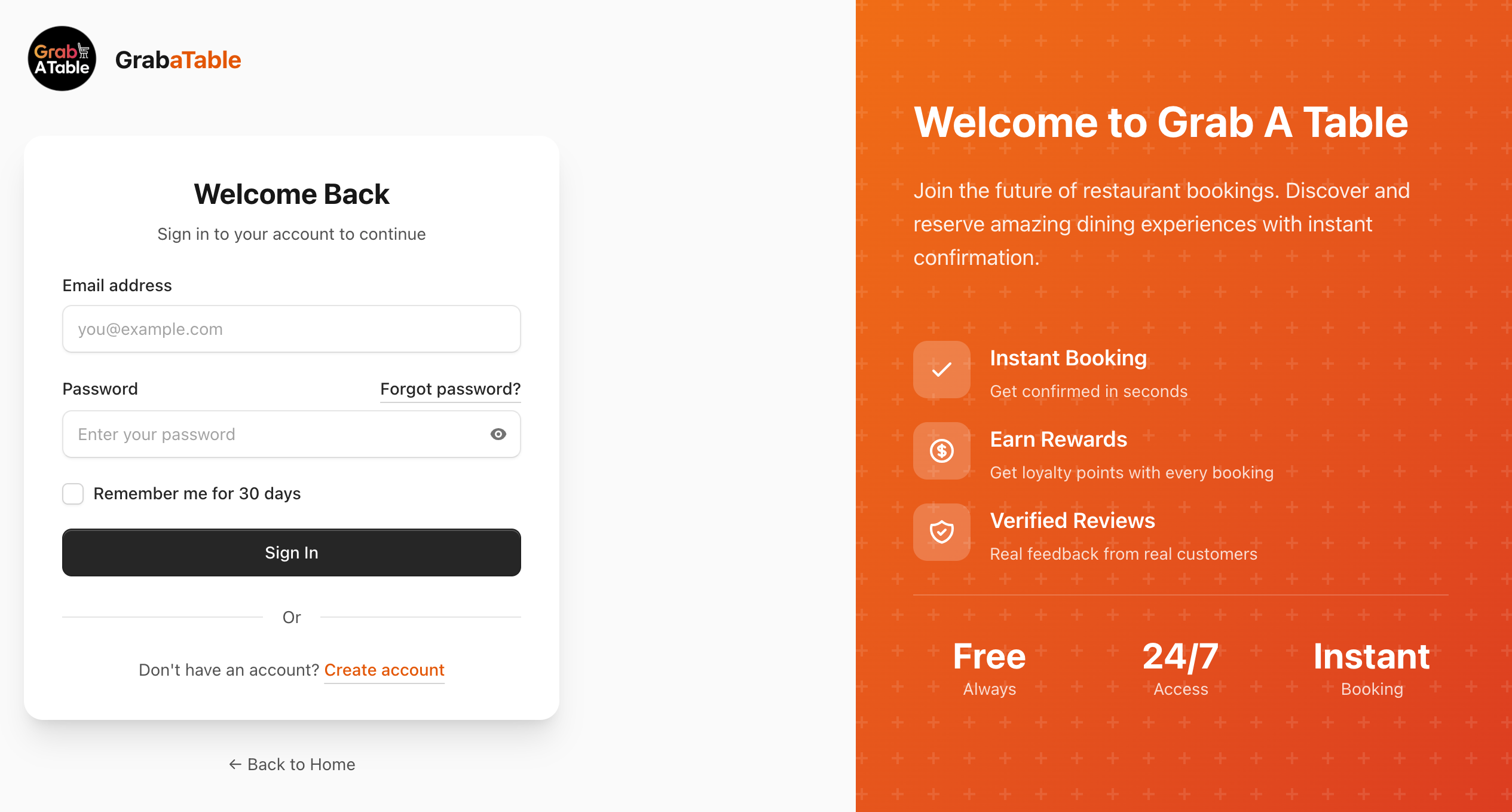
Go to www.grabatable.app/login.
Step 2: Enter Your Email Address
Type the email address you used to register.
Use the same email address you verified during registration.
Step 3: Enter Your Password
Type your password and click Sign in.
Use the eye icon to reveal your password if you are unsure what you typed.
If You Cannot Sign In
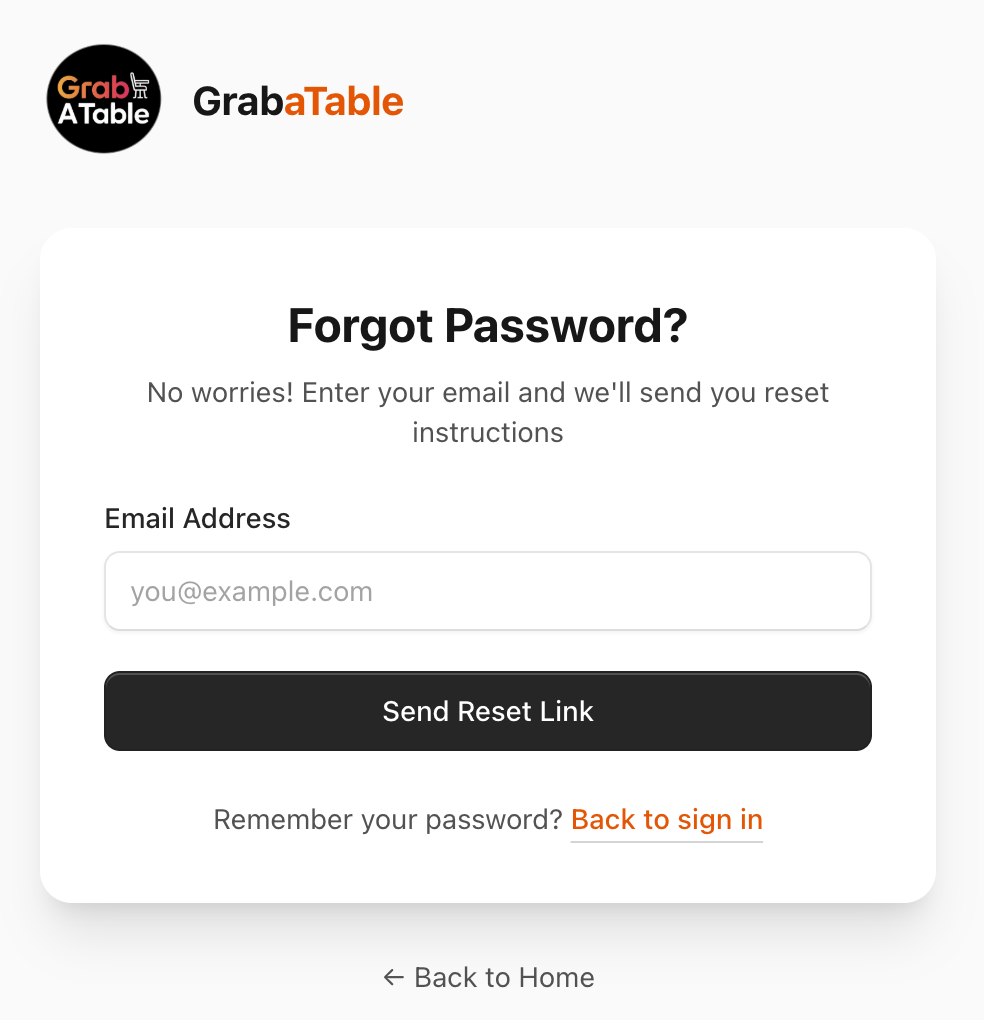
Forgot Your Password?
Use the password reset flow at /forgot-password and follow the email instructions.
Email Not Verified
If your email is not verified, you may be prompted to verify it before signing in. Check your inbox and spam folder for the verification email.
Incorrect Email or Password
Make sure:
- Your email address is spelled correctly
- Caps Lock is off
- You are using the correct account email
Common Issues
No Reset Email Arrived
- Check your spam or junk folder
- Wait a few minutes and try again
- Make sure the email address is correct
Still Stuck?
Contact support:
- Email:
[email protected] - WhatsApp: https://wa.me/message/GPBDMIVKYIELE1
Next Steps
Once signed in:
- Review your account profile
- Manage your reservations
- Explore the FAQ if you have more questions