Appearance
Getting Started
Welcome to Grab A Table! This guide will help you get started with our restaurant booking and staff management platform.
Overview
Grab A Table is a comprehensive platform designed for restaurants, pubs, and dining venues to manage bookings, staff, and operations efficiently. This documentation will guide you through every step of setting up and using the platform.
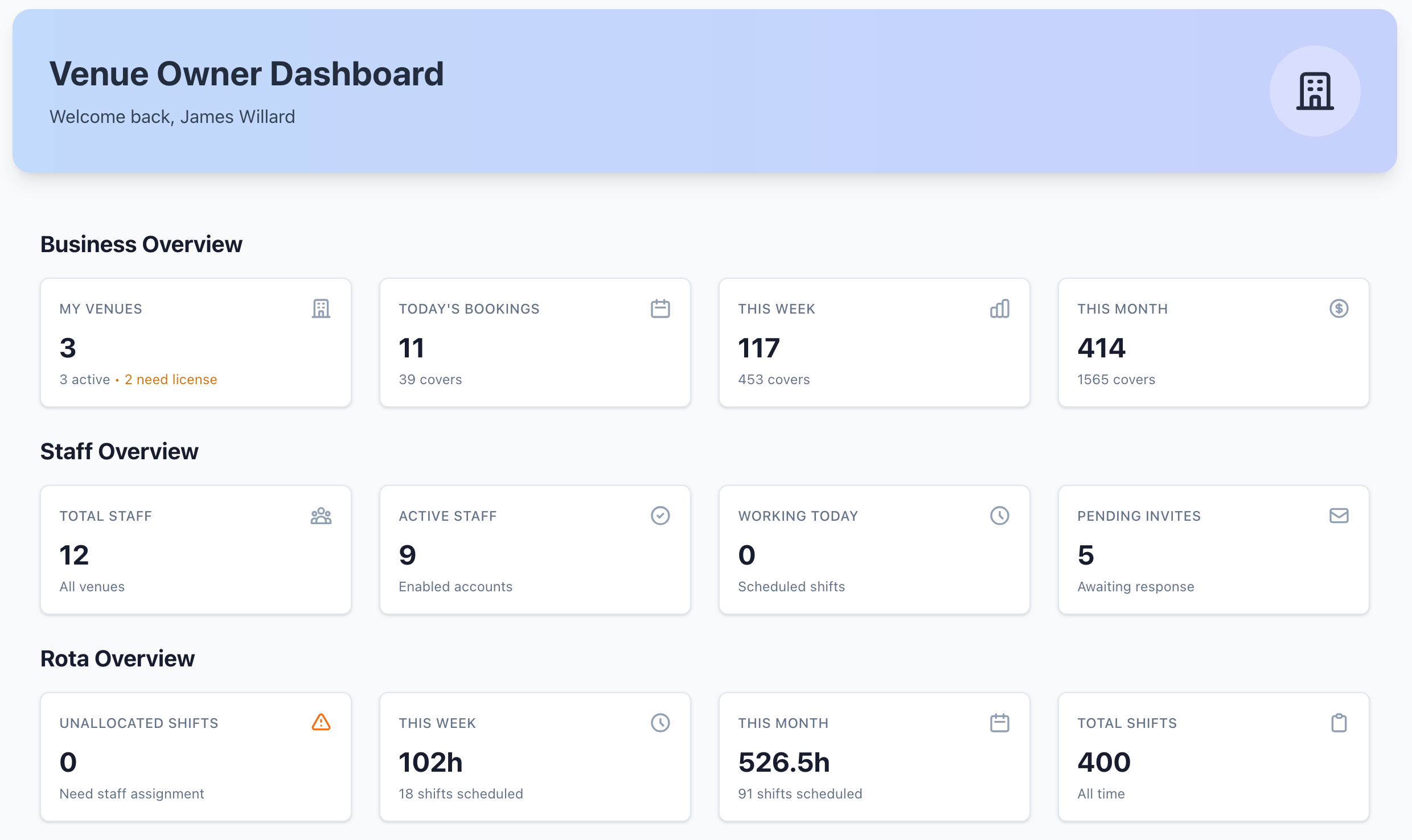
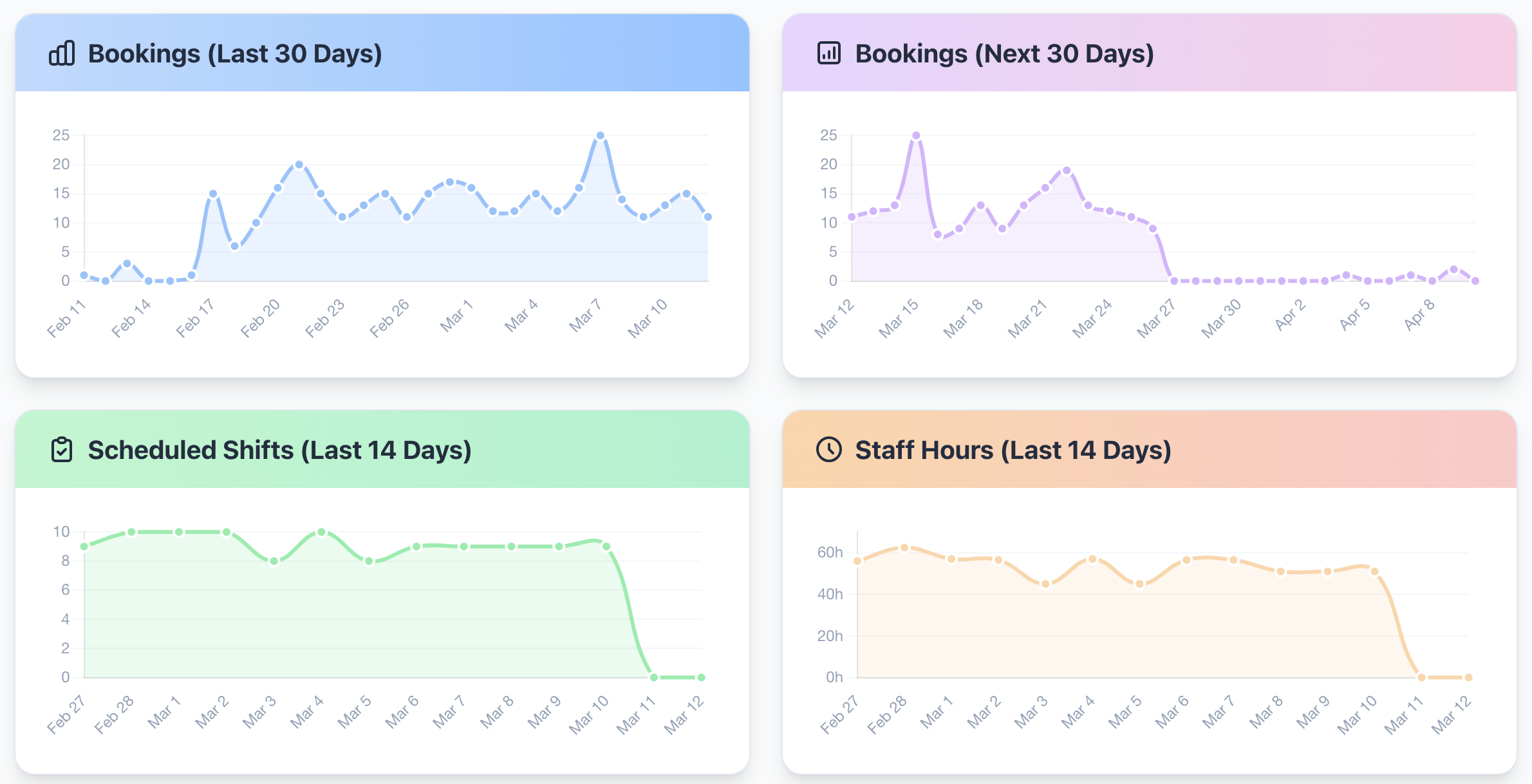
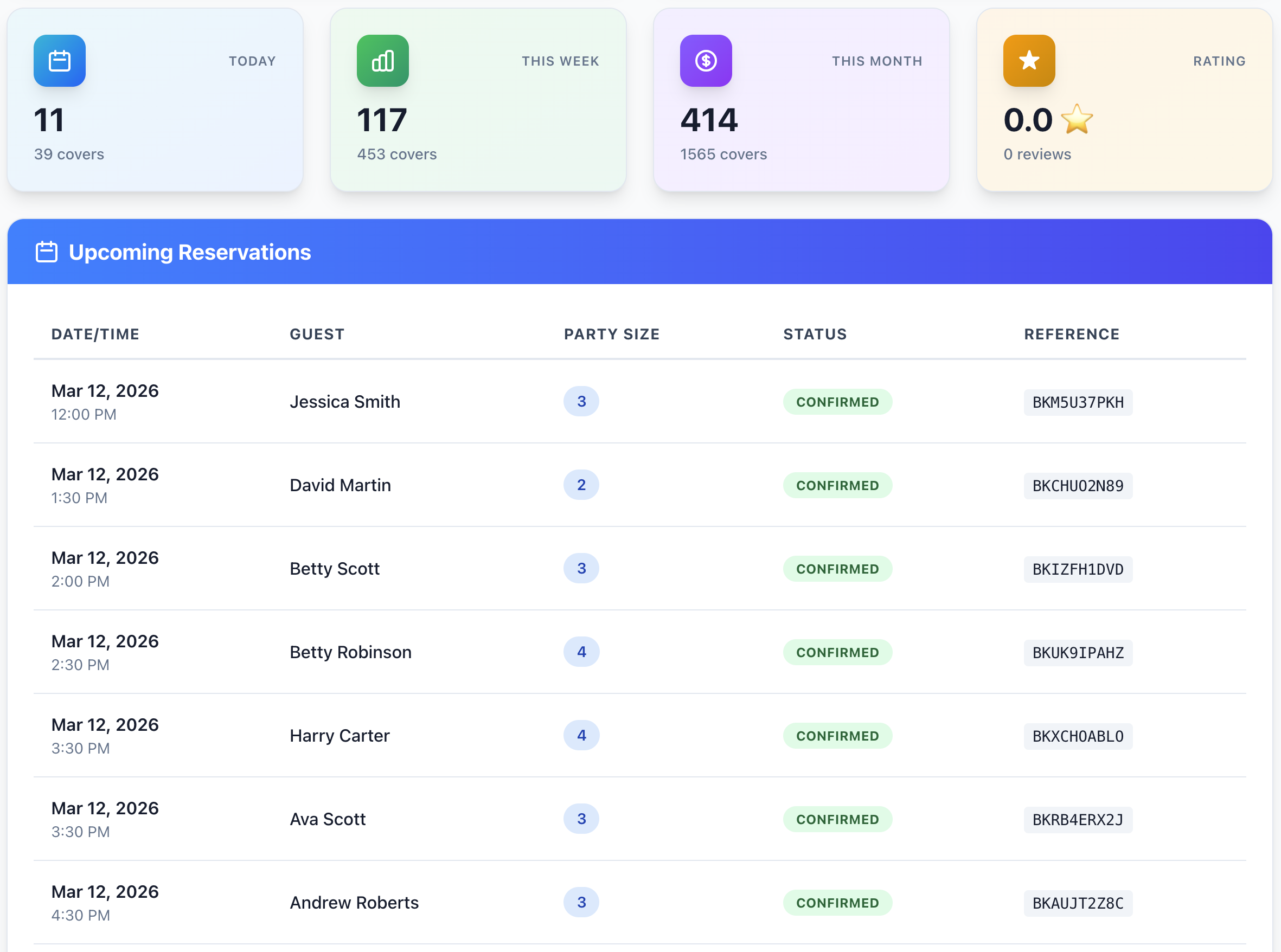
Quick Start Guide
Follow these steps to get started with Grab A Table:
1. Create Your Account
First, you'll need to register for a Grab A Table account. The registration process is quick and straightforward.
2. Sign In
Once you've registered and verified your email, sign in to access your dashboard.
3. Secure Your Account
We strongly recommend setting up Multi-Factor Authentication (MFA) to protect your account and business data.
4. Need Help?
If you forget your password, you can easily reset it using our password recovery process.
What's Included
Grab A Table provides everything you need to manage your venue:
- Online Booking System - Let customers book 24/7 with real-time availability
- Table Management - Assign tables and manage seating efficiently
- Staff Management - Schedule shifts and manage your team
- Analytics & Reporting - Track performance and booking trends
- Customer Communications - Automated reminders and notifications
- Waitlist Management - Manage walk-ins seamlessly
- Private Events - Handle special bookings and events
- And much more...
Simple Pricing
Just £24 per month per venue (ex. VAT) - no hidden fees, no per-booking charges, all features included.
Special Offer
First 100 customers get 3 months completely free!
Support
Need help? We're here for you:
- Email: [email protected]
- Support: [email protected]
- WhatsApp: WhatsApp Support
Next Steps
Ready to get started? Follow these guides in order:
- Register - Create your account
- Sign In - Access your dashboard
- MFA - Secure your account
- Complete your venue setup
- Start taking bookings!
TIP
This documentation is continuously updated. Use the search bar to find specific topics quickly.